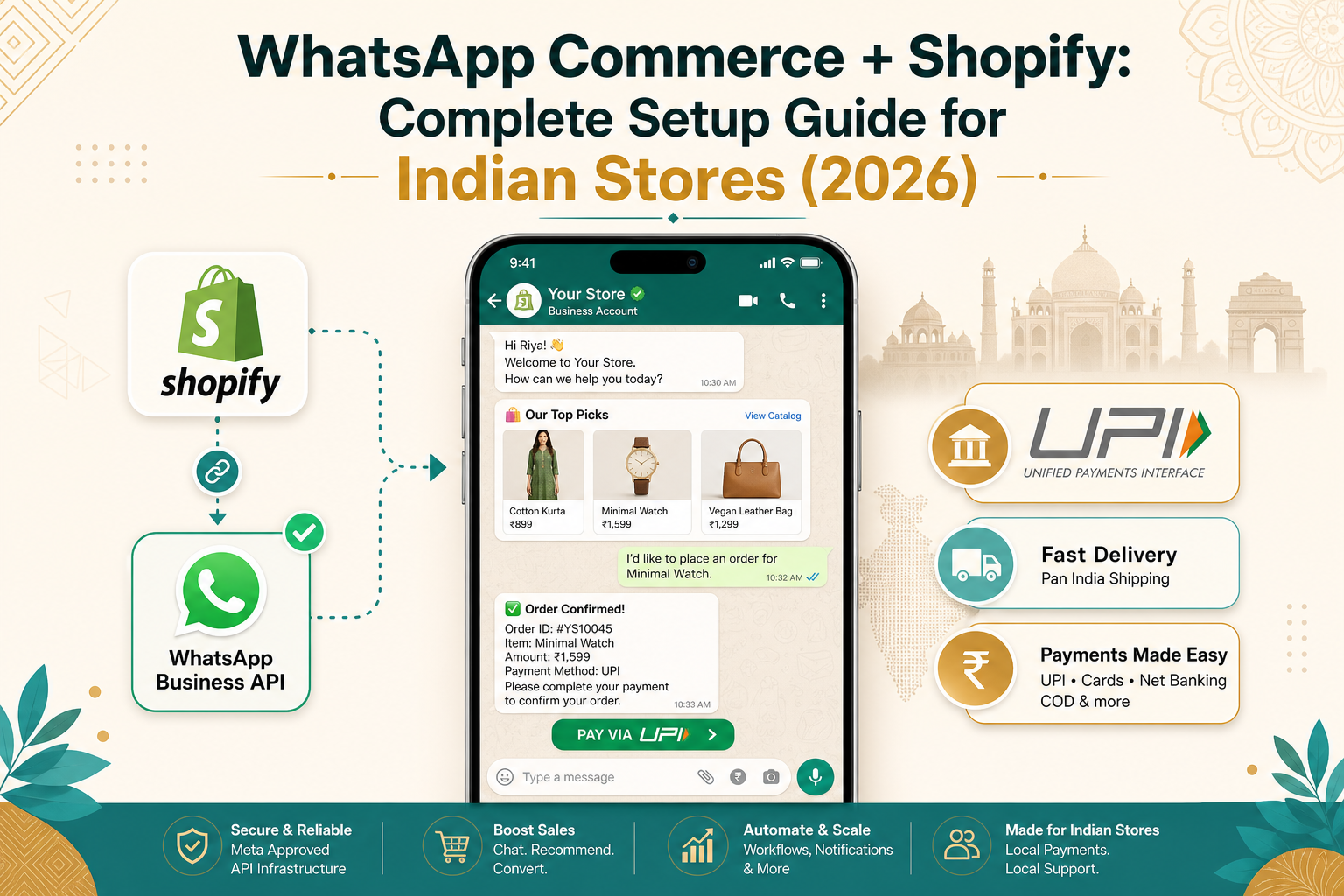
WhatsApp Commerce + Shopify: The Complete Setup Guide for Indian Stores (2026)
The Three Levels of WhatsApp Commerce on Shopify
Level 1: WhatsApp Chat Button Free
Add a click-to-chat WhatsApp button. Customers tap it, message you manually. Best for: Very small stores with low order volume. Limitation: No automation, no catalog sync, no tracking.
Level 2: WhatsApp Business API via Shopify Apps Paid
Apps like SuperLemon, WATI, Interakt, and QuickReply.ai connect Shopify to WhatsApp Business API. Automate order confirmations, shipping updates, COD verification, and abandoned cart recovery. Best for: Stores doing 50–500+ orders/month. Typical cost: ₹1,500–₹5,000/month.
Level 3: Full WhatsApp Commerce with WhatsApp Pay Enterprise
Customers browse products, add to cart, and pay via WhatsApp Pay (UPI) — all inside a WhatsApp chat. Uses WhatsApp Flows and the WhatsApp Business Platform. Best for: Established D2C brands. Typical cost: ₹15,000–₹50,000+ setup.
Step-by-Step: Setting Up WhatsApp Commerce on Shopify
Step 1: Set Up Your WhatsApp Business Account (WABA)
- Go to business.facebook.com and create a Business Manager account.
- Navigate to WhatsApp Accounts and create a new WhatsApp Business Account.
- Add a dedicated business phone number (not already on WhatsApp Messenger).
- Verify your business via Meta Business Verification (3–7 business days in India).
- Once approved, you get a green verified badge — crucial for customer trust.
Step 2: Choose a WhatsApp Integration App for Shopify
| App | Best For | Starting Price | Key Feature |
|---|---|---|---|
| SuperLemon | All-size stores | Free plan available | Chat button, cart recovery, order alerts |
| WATI | Mid-size D2C brands | ₹2,499/month | Shared inbox, chatbots, bulk broadcasts |
| Interakt (Haptik) | Enterprise D2C | Custom pricing | Conversational AI, multi-language, WhatsApp Pay |
| QuickReply.ai | Fashion & beauty D2C | ₹1,999/month | Automated flows, segmentation, ROI tracking |
| DelightChat | Support-heavy stores | ₹1,499/month | Unified inbox (WhatsApp + email + IG + FB) |
Recommendation: For most Indian Shopify merchants doing 100–500 orders/month, start with SuperLemon's free plan for basic chat, then upgrade to WATI or QuickReply.ai once you need automation.
Step 3: Connect Shopify to WhatsApp
Using SuperLemon as an example:
- Install SuperLemon from the Shopify App Store.
- Connect your WhatsApp Business number.
- Map your Shopify notification triggers to WhatsApp templates:
- Order Confirmed → WhatsApp with order summary
- Order Shipped → WhatsApp with tracking link
- Order Delivered → Thank you + review request
- Payment Failed → WhatsApp reminder with payment link
- Abandoned Cart → Recovery message (1 hour after abandonment)
Customize message templates in Meta Business Manager — templates must be approved by Meta for proactive messaging.
Step 4: Set Up WhatsApp Catalog Sync
Sync your Shopify product catalog to WhatsApp so customers can browse products inside WhatsApp Business. Apps like WATI and Interakt auto-sync. Customers see product images, prices, and descriptions — and can tap to message you directly. Pro tip: Include WhatsApp catalog links in your Instagram bio, Facebook ads, and Google Business Profile.
WhatsApp Pay: Enable UPI Payments Inside WhatsApp
This is the game-changer. WhatsApp Pay, built on UPI, lets customers pay without leaving WhatsApp.
- Register for WhatsApp Pay via Meta's payment partner (Razorpay is the primary partner in India).
- When a customer is ready to buy, send a payment request inside WhatsApp chat.
- Customer taps "Pay," authenticates via UPI PIN — payment processed instantly.
- Funds settle to your linked bank account.
Current limitation (June 2026): WhatsApp's native "add to cart + checkout" flow is still rolling out and primarily available to select enterprise partners. The manual payment-request flow works for all API users today.
Automating the WhatsApp Commerce Funnel
Here is the 7-message automation sequence that Indian D2C brands use to 3x their WhatsApp revenue:
- Welcome (Instant): "Hi {{first_name}}! Welcome to {{store_name}}. Browse our catalog: [WhatsApp Catalog Link]"
- Abandoned Cart (1 hour): "You left {{product_name}} in your cart! Complete your order with 10% off — code WHATSAPP10 🛒"
- COD Confirmation (Immediate): "COD amount: ₹{{amount}}. Reply YES to confirm. Unconfirmed orders cancelled after 24h."
- Order Shipped (Same day): "Your order #{{order_id}} is on its way! Track: [Link] 📦"
- Out for Delivery (Delivery day): "Package out for delivery! Keep ₹{{amount}} ready if COD. 🚚"
- Review Request (2 days after): "Enjoying {{product_name}}? Leave a review, get ₹50 off next order! ⭐"
- Re-engagement (14 days): "New arrivals just dropped! Check our latest collection: [Catalog Link]"
| Metric | Result |
|---|---|
| RTO Reduction | 30–40% lower return-to-origin for COD orders |
| Cart Recovery | 15–20% abandoned cart recovery rate |
| Repeat Purchases | 3–5x vs. email-only communication |
RTO Reduction: The Indian E-Commerce Superpower
RTO (Return to Origin) is the biggest margin-killer for Indian Shopify stores — especially COD-heavy businesses where industry RTO rates average 25–40%. WhatsApp automation dramatically reduces this:
- COD confirmation messages filter out fake/frivolous orders before shipping
- Pre-delivery alerts reduce "I didn't order this" cases
- Address verification flows correct incomplete addresses before dispatch
- Live location sharing helps delivery partners find tricky addresses
One of my clients — a Mumbai-based fashion D2C brand — reduced their RTO rate from 32% to 11% after implementing WhatsApp COD confirmation and pre-delivery alerts. That single change added ₹2.8 lakhs/month to their bottom line.
WhatsApp Commerce Compliance in India
- Customers must explicitly opt in to receive WhatsApp messages — via first message, checkout checkbox, or tapping a WhatsApp button
- Proactive messages require Meta-approved message templates
- Do NOT import phone numbers from purchased databases — Meta actively bans businesses that do this
- Certain categories (health supplements, financial services) have additional approval requirements in India
Measuring WhatsApp Commerce ROI
| Metric | Tool | Benchmark |
|---|---|---|
| WhatsApp Revenue | Shopify Analytics + UTM tags | Track as separate sales channel |
| Message Open Rate | WhatsApp dashboard | 90–98% (vs. 20% email) |
| Cart Recovery Rate | Shopify abandoned cart report | 15–25% via WhatsApp |
| RTO Rate | Shiprocket/Delhivery dashboard | Target: below 15% |
When to Hire a Shopify Expert for WhatsApp Commerce
While basic WhatsApp chat buttons are DIY-friendly, professional setup is worth it when:
- You need WhatsApp Pay integration (requires API development)
- You want custom WhatsApp Flows for multi-step product selection
- You need multi-language chatbot flows (Hindi, Tamil, Telugu) for tier-2/3 city customers
- Your store exceeds 500+ orders/month and manual WhatsApp management is unsustainable
Key Takeaways
- WhatsApp is India's super-app for commerce — 530M+ users, 67% prefer messaging before buying
- Start with a chat button, graduate to API-based automation as you scale
- COD confirmation flows alone can cut your RTO rate in half
- WhatsApp Pay (UPI) is the future — build the foundation now
- Track attribution — treat WhatsApp as a separate sales channel
- Compliance matters — always get explicit opt-in, use Meta-approved templates
Ready to add WhatsApp Commerce to your Shopify store?
I offer WhatsApp Commerce setup packages for Indian Shopify merchants — from basic chat integration to full WhatsApp Pay + automation setups. 15+ D2C brands served.
Get a Free Consultation →